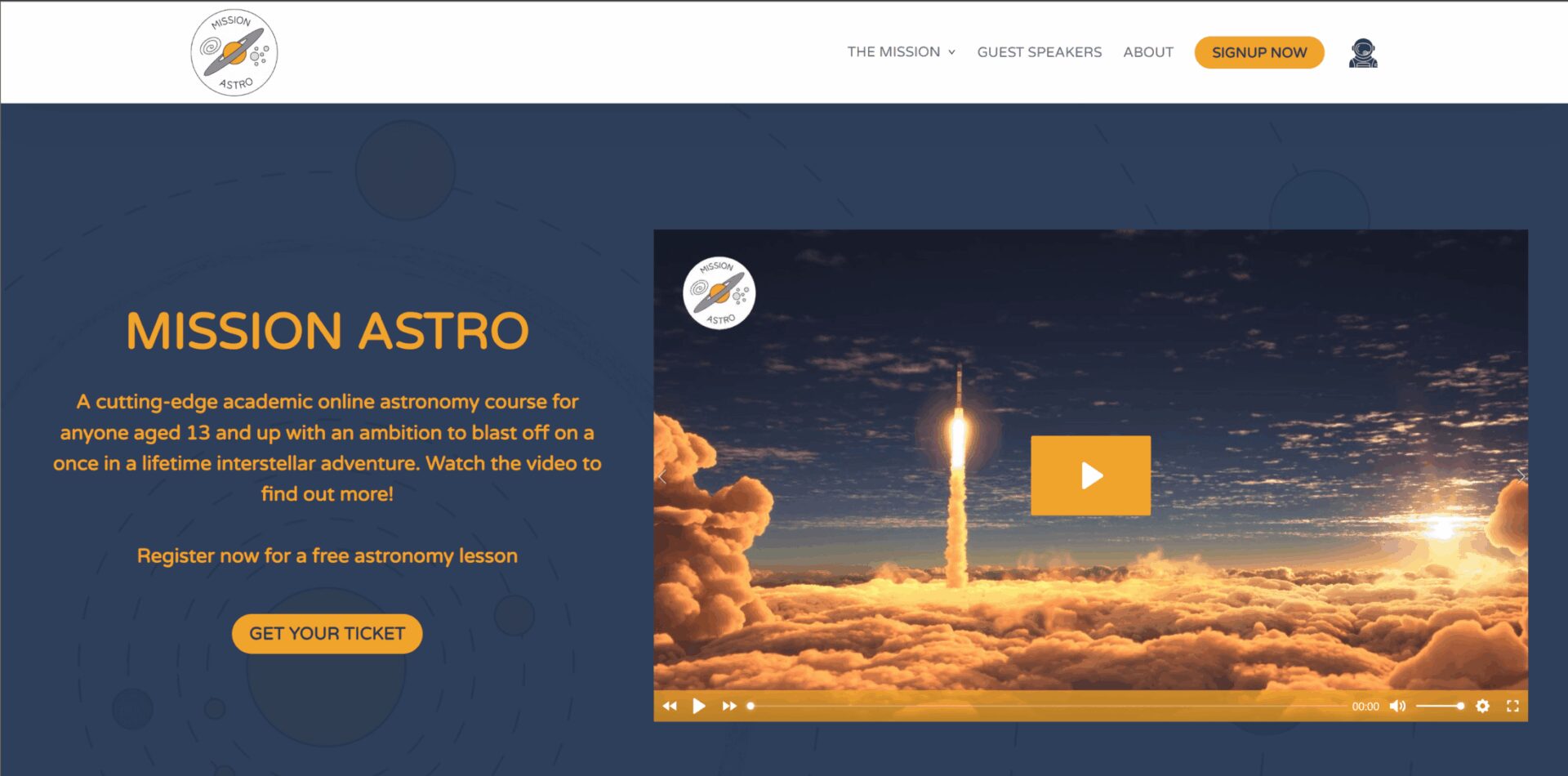
Dr Sarah Crick first got in touch with us after seeing us answer a WordPress question in a local village Facebook group. She wanted a budget estimate for a project she expected would take another 12 months to fund. Once she learned we offer monthly payment plans, that timeline changed considerably.
Without the monthly payment plan I would not be able to commence this project for at least another 12 months.
— Dr Sarah Crick, founder of Just Good Science Ltd and Mission Astro
Background
Sarah holds a PhD in astronomy, has published research, and has taught physics and astronomy. She wanted to build an online course covering astronomy topics that rarely make it onto a school curriculum. The project needed three things: a website to promote and sell the course, a learning management system to deliver the lessons, and somewhere to host the video content.
Building the website
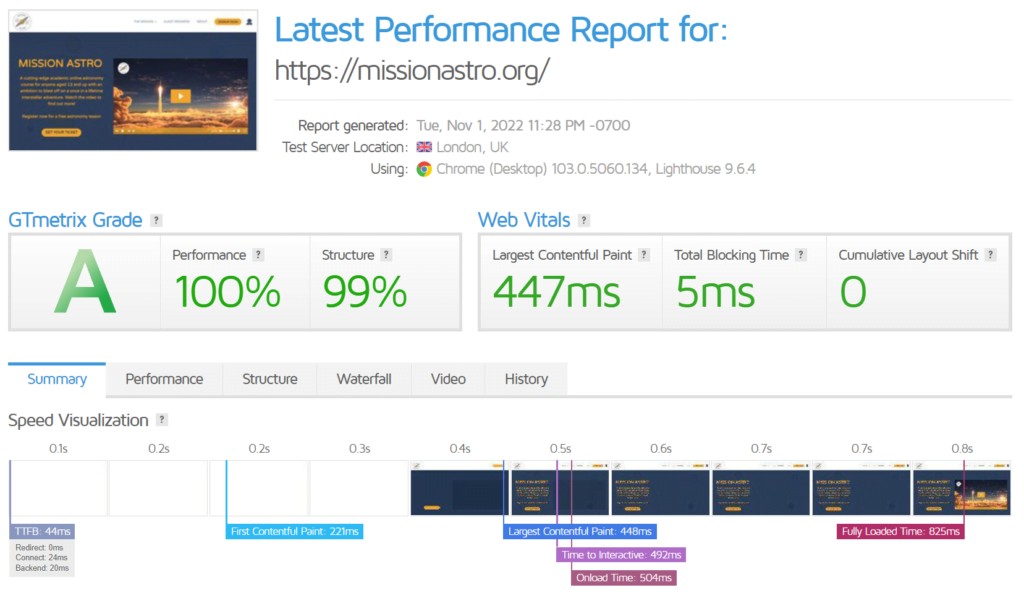
WordPress powers over 40% of websites globally and is our default choice. We build with Oxygen Builder, which produces clean, efficient code, and we keep a close eye on site speed, since it affects both the visitor experience and search rankings. Mission Astro scores well on Google PageSpeed Insights as a result.
Design
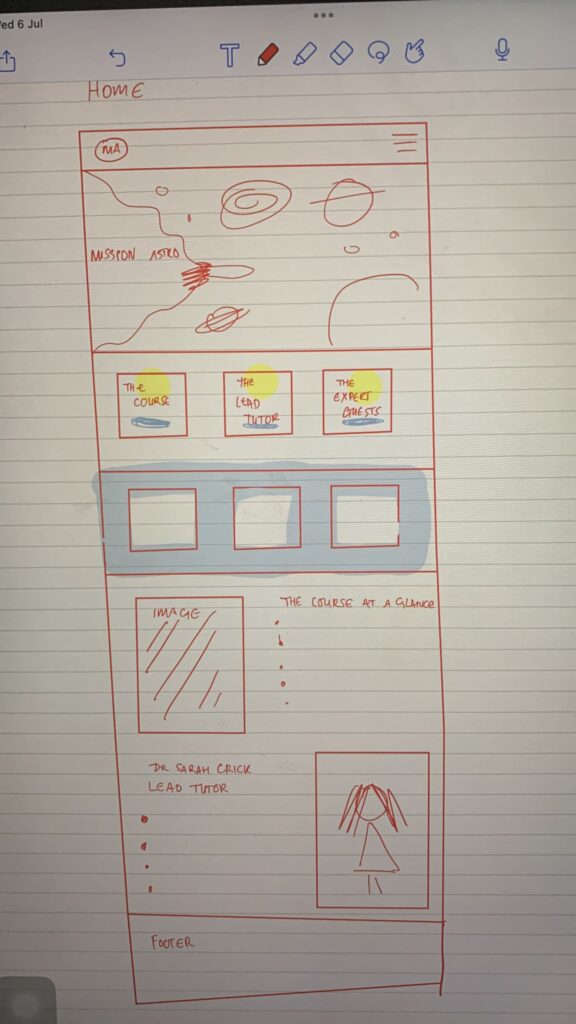
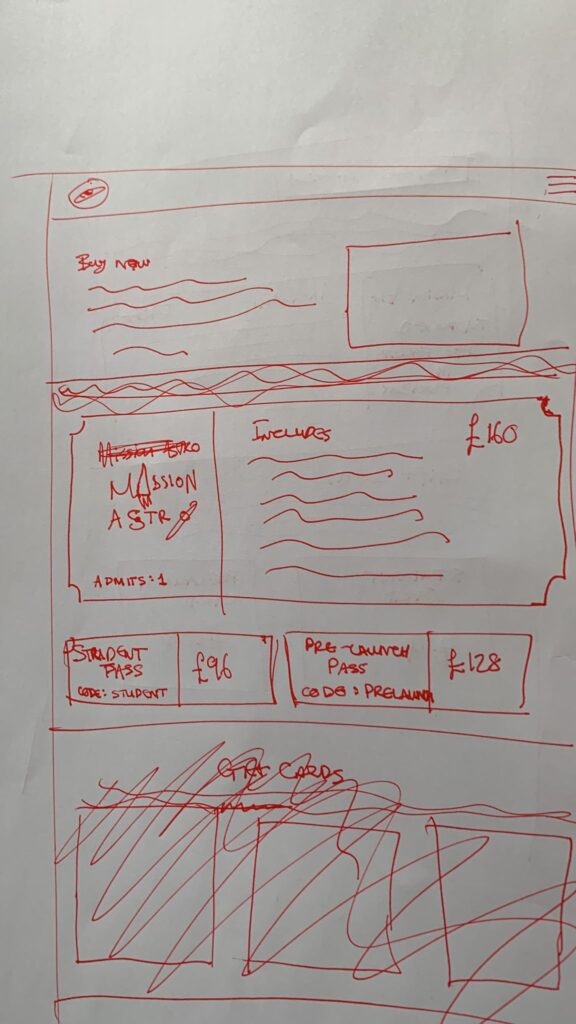
The design built on our earlier work for Sarah’s tutoring site, Just Good Science, and grew out of a series of sketches showing how she imagined the astronomy course site.
Circles
Circles feature heavily in astronomy, and Sarah wanted them running through the design:
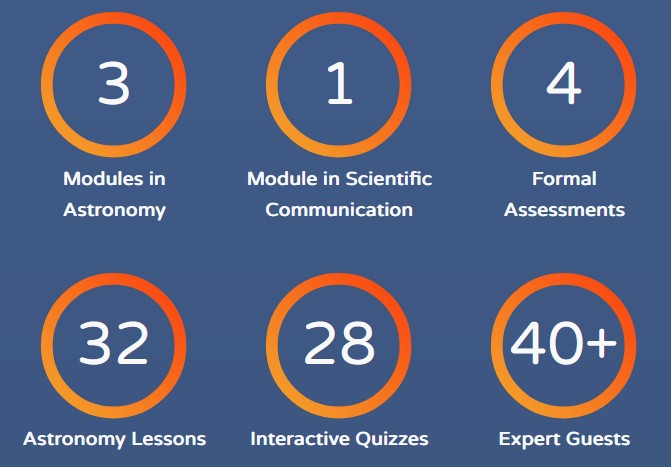
- Animated counters with gradient fills, using the brand colour palette
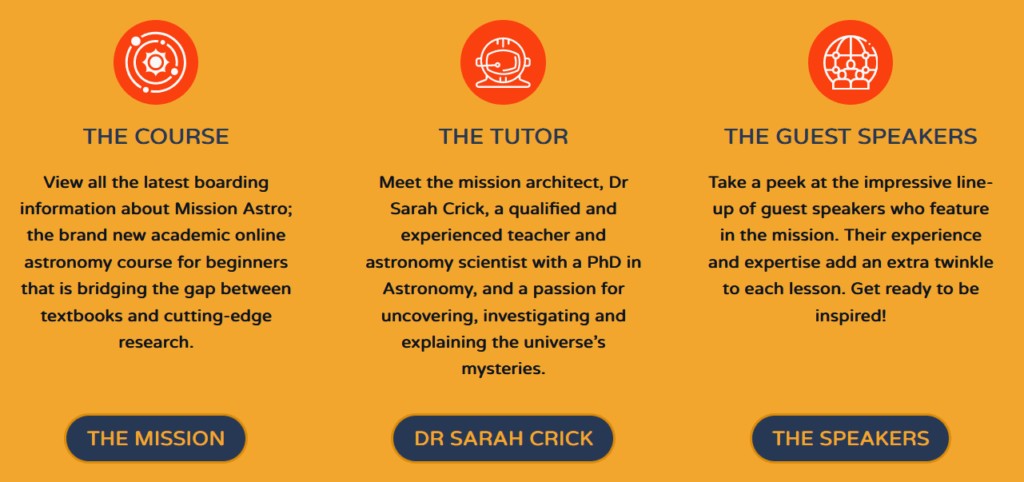
- Round icons on circular backgrounds, drawn from a premium icon library available to clients
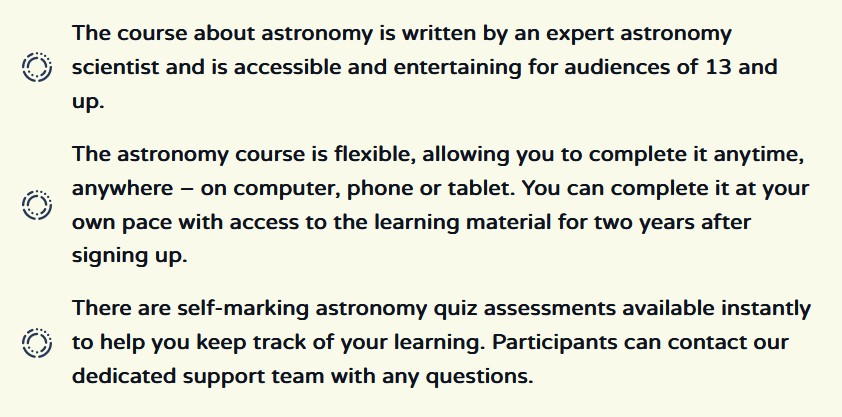
- Custom bullet points designed to resemble an asteroid belt
A Formula 1 grid of experts
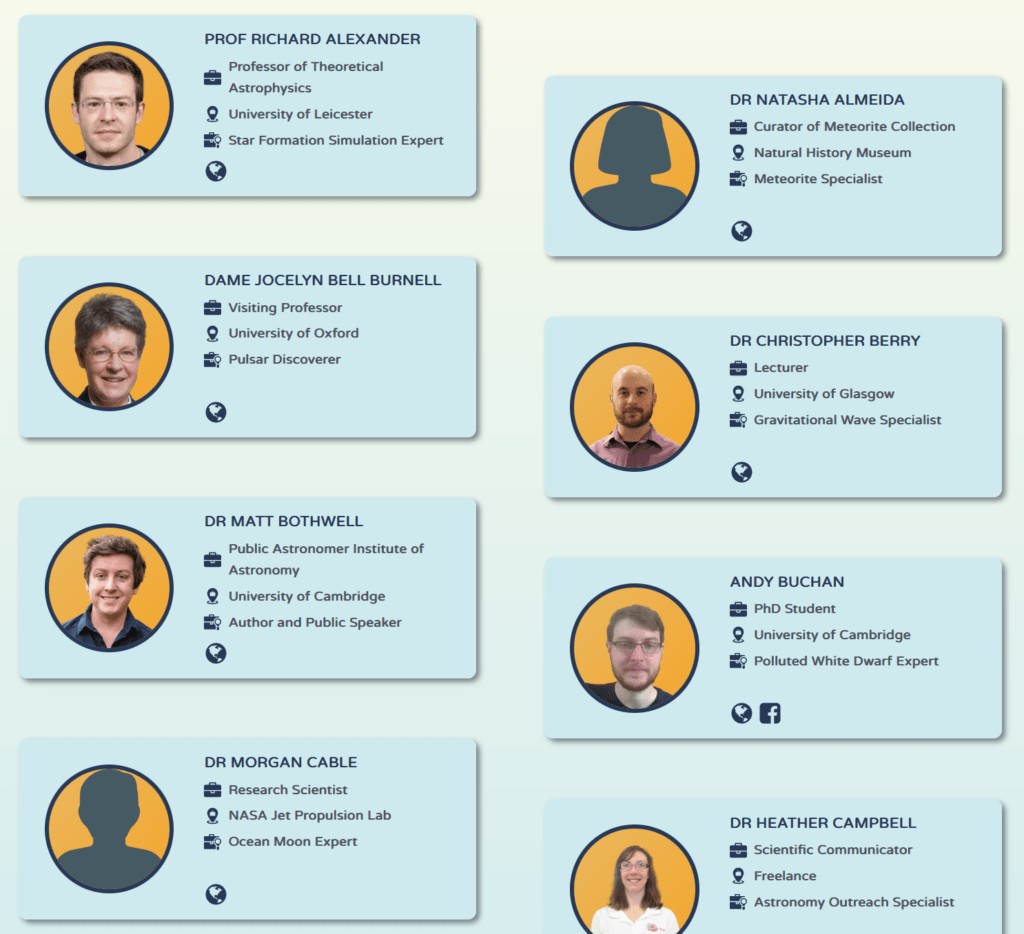
Each lesson features interviews with a relevant specialist, more than 40 across the full course. Sarah wanted them credited and displayed ‘like a Formula 1 starting grid’. Experts were built as a custom post type using Metabox, so Sarah can add, edit and remove expert profiles herself without needing us involved.
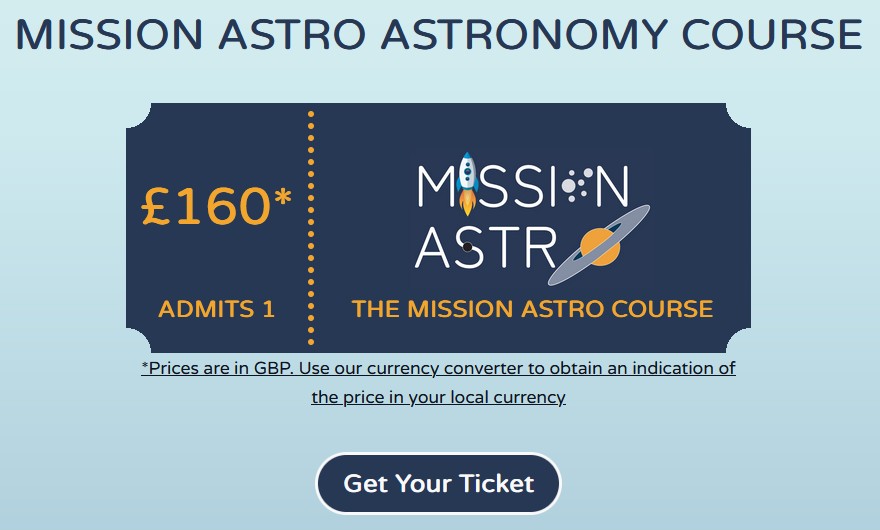
Tickets to Mission Astro
The marketing copy talks about ‘getting your ticket for the Mission Astro rocket’, and Sarah wanted the tickets themselves to look like classic cinema or train tickets. Rather than build them as images, we built them in CSS, which loads faster and means future changes are a text edit rather than a redesign.
Selling courses with WooCommerce
Mission Astro offers a free introductory course alongside a paid main course with student discounts. We chose WooCommerce for the shop because it integrates well with WordPress and Oxygen Builder, works tightly with LearnDash, is free at its core, and is extensible enough for things Sarah might want later, like group sales.
Built locally, selling globally
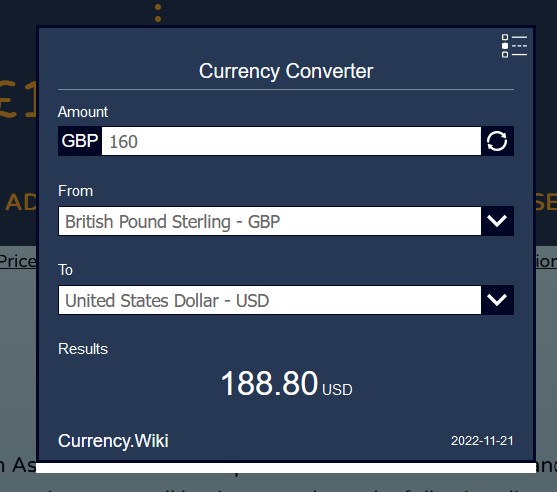
Mission Astro and Web X Design Studio are both UK based, but customers come from all over the world. A currency converter lets customers see pricing in their own currency, which removes a real barrier for anyone buying from outside the UK.
Gift cards
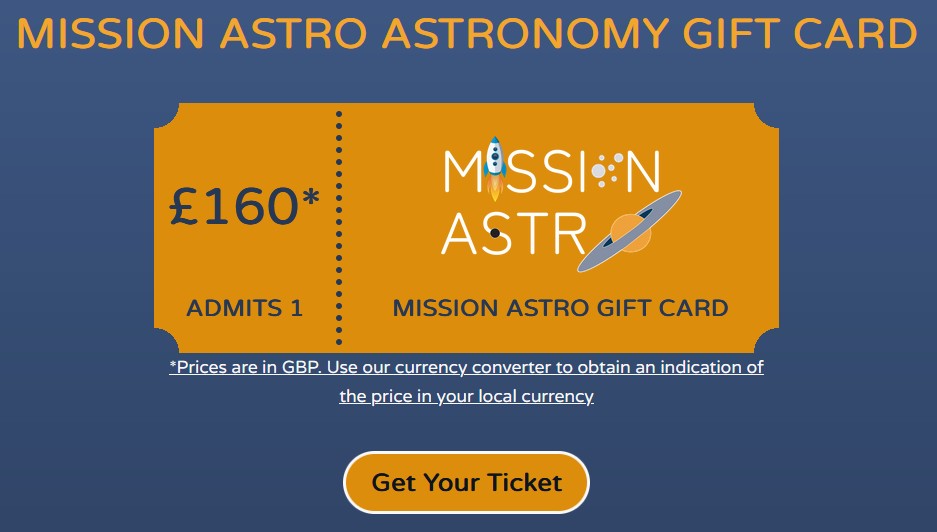
Sarah wanted digital gift cards that could be bought now and redeemed against a course later, which we built using the Flexible Coupons PDF plugin.
International age of consent
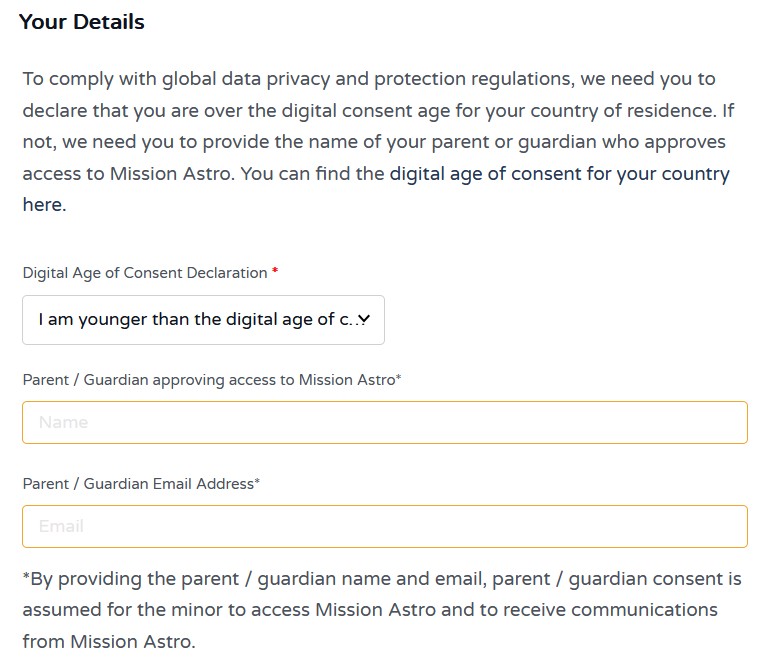
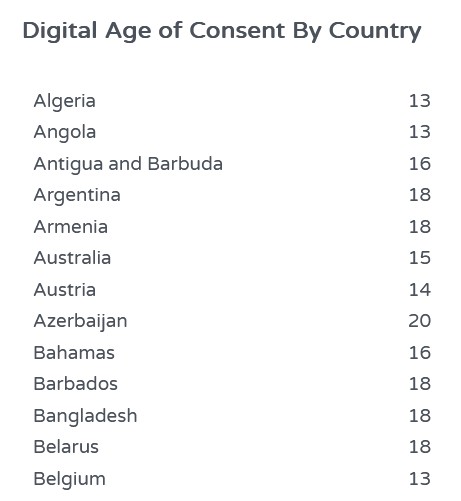
Mission Astro is aimed at learners aged 13 and up, in line with UK and US digital age of consent rules. Since the rules vary by country and Mission Astro expects international students, this needed proper handling. WooCommerce has no native support for it, so we added custom checkout fields using the Checkout Field Editor for WooCommerce plugin, asking customers to confirm they meet their own country’s age of consent, and collecting a parent or guardian name plus a consent email for younger learners. Mission Astro only ever collects what it actually needs to process a purchase and deliver the course.
Building the course in LearnDash
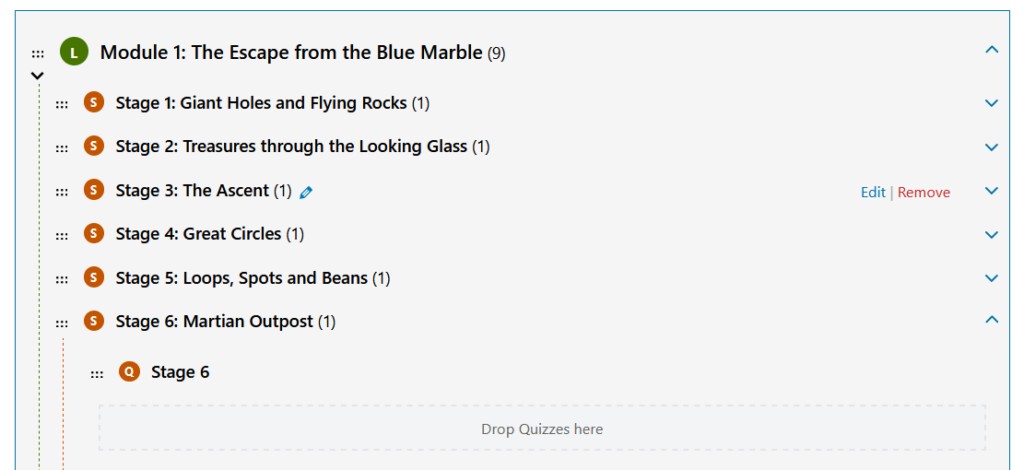
The course needed a learning management system to host lessons, track progress, run quizzes and assessments, and issue completion certificates. We initially looked at Tutor LMS, but testing showed it could not handle course progression and group membership signup the way the project needed. We chose LearnDash instead, WordPress’s most established LMS, since its longer track record and stronger extensibility meant the platform would not need rebuilding within months of launch.
Managing content
LearnDash lets course owners manage content themselves. We built the course structure, and Sarah now enters all lesson content and quiz material independently.
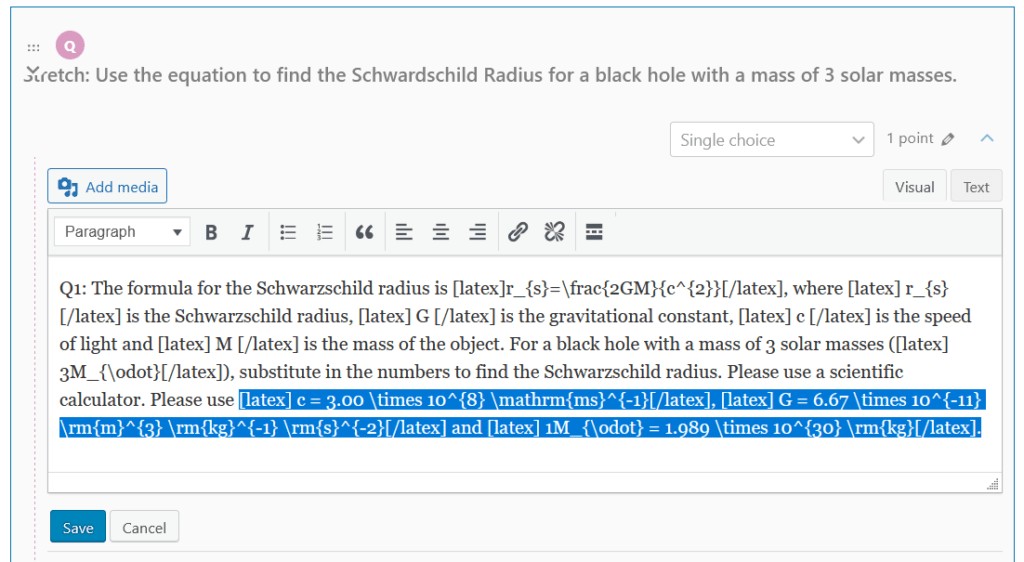
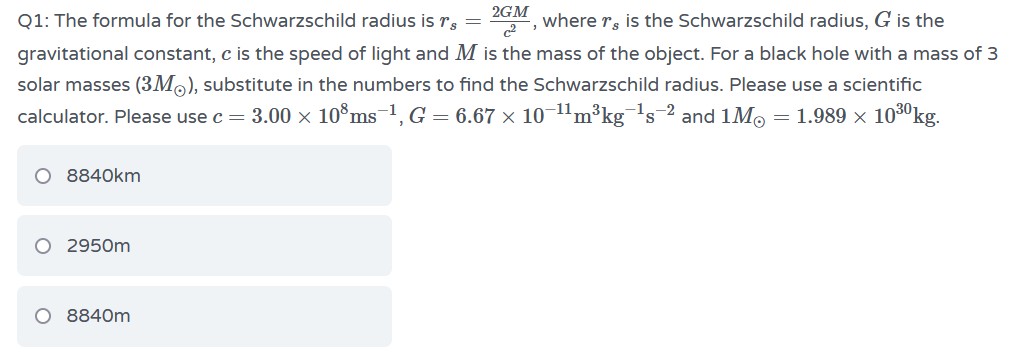
LaTeX formulas
Course content and assessments include mathematical formulas that need proper formatting, which neither WordPress nor LearnDash support natively. LaTeX is the standard way to enter formulas as text and have them render correctly, and after testing several options, MathJax-Latex worked best with LearnDash across both lesson content and quizzes.
Video production
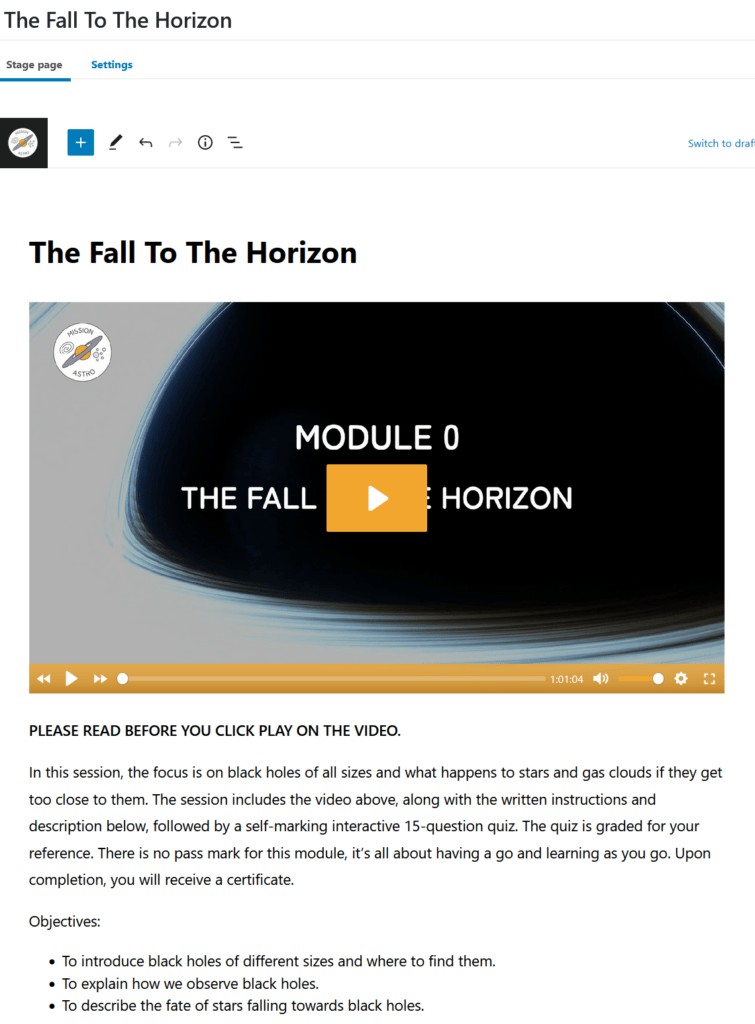
We do not just build websites, we also edit video. Mission Astro runs to more than 30 one-hour lessons, each with an introduction, a learning session, expert interviews and a conclusion, plus promotional material.
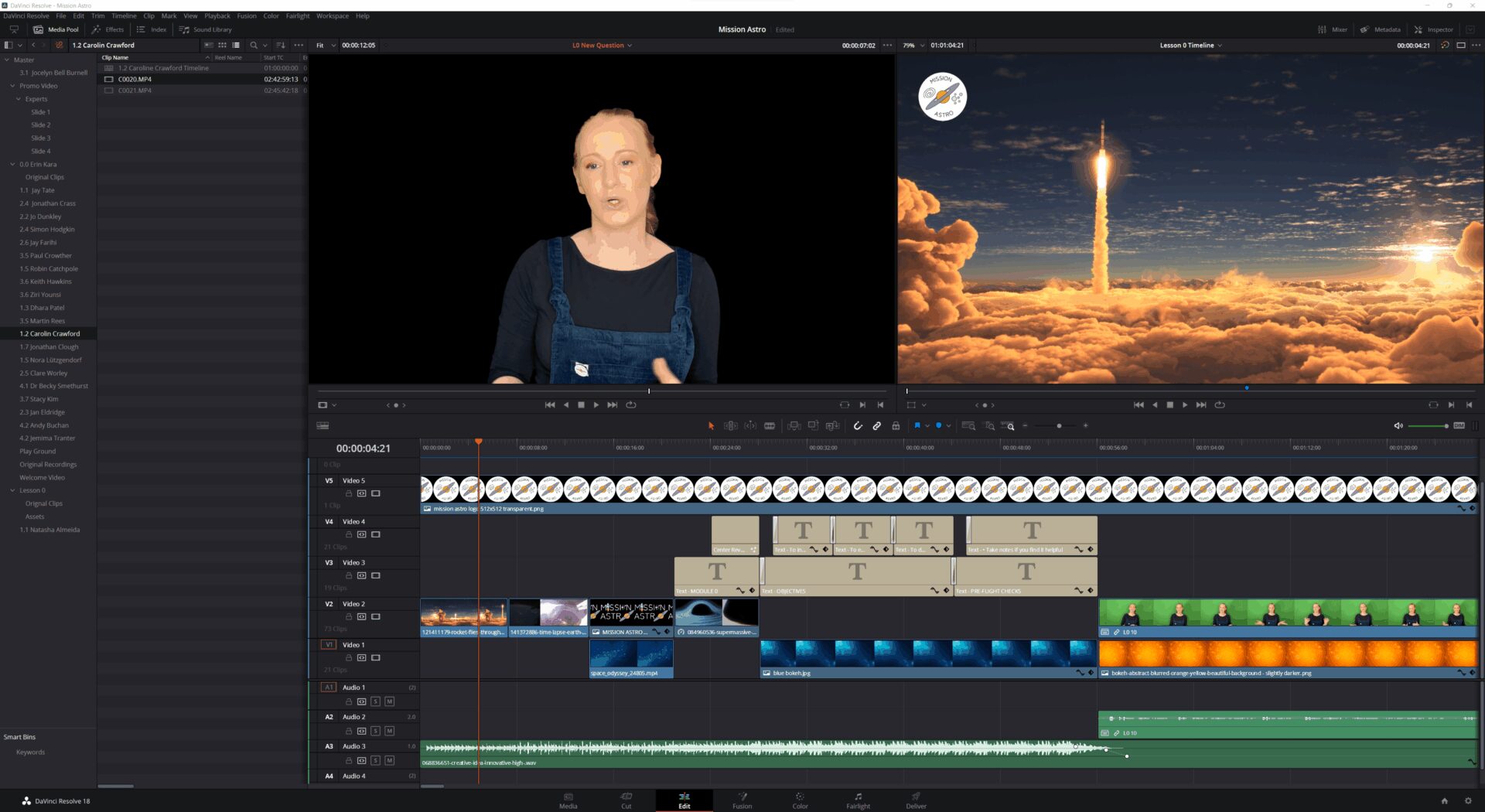
Editing with Davinci Resolve
We edit in Davinci Resolve, which comes in a free and a paid version. The free version was capable enough for the whole of Mission Astro, so there was no need to buy the premium edition.
Green screen
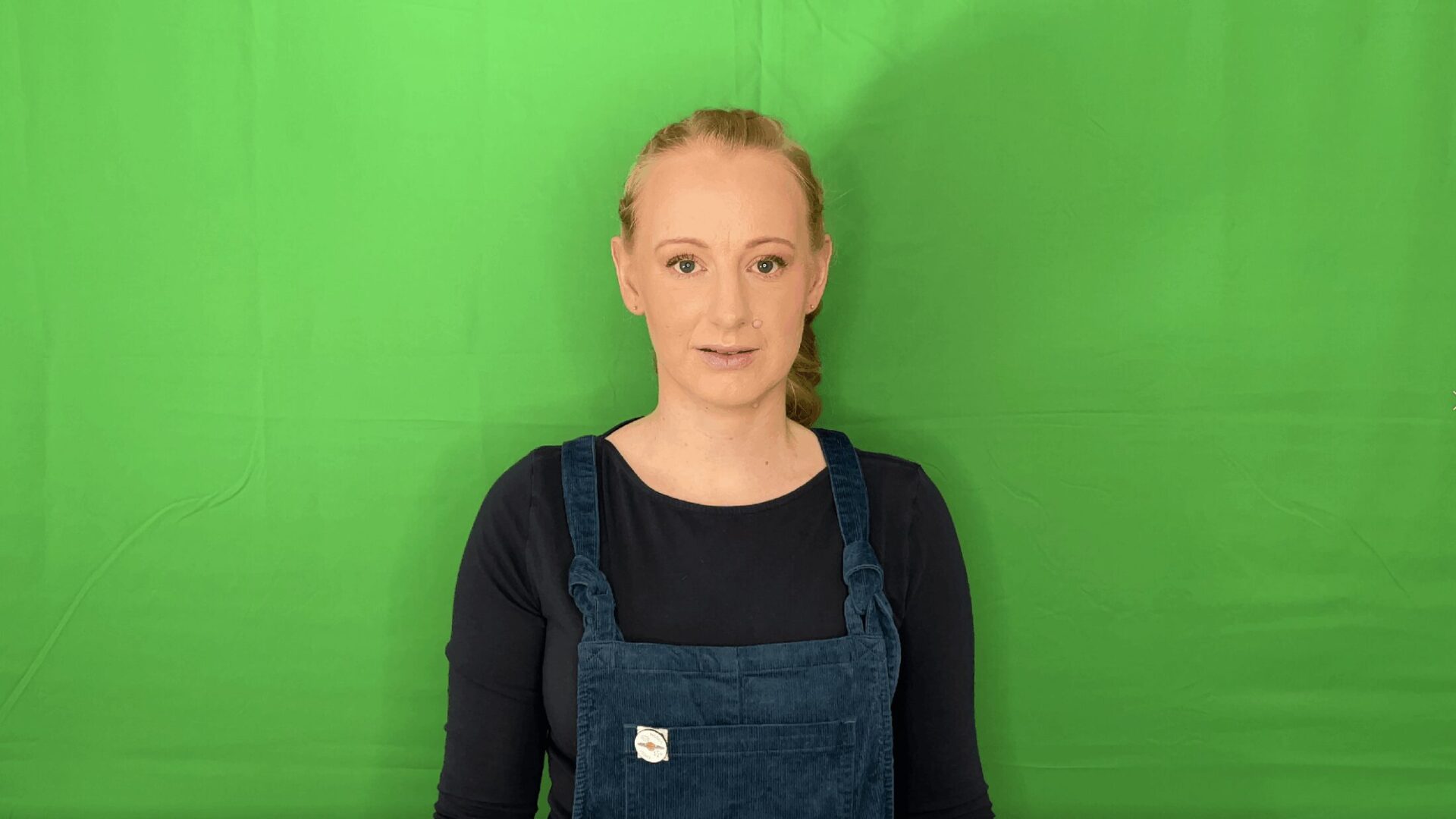
Much of the video was shot against a green screen, which let us drop in different backgrounds, static or moving, after the fact. Davinci Resolve made the extraction and replacement straightforward.

Video hosting with Bunny Stream
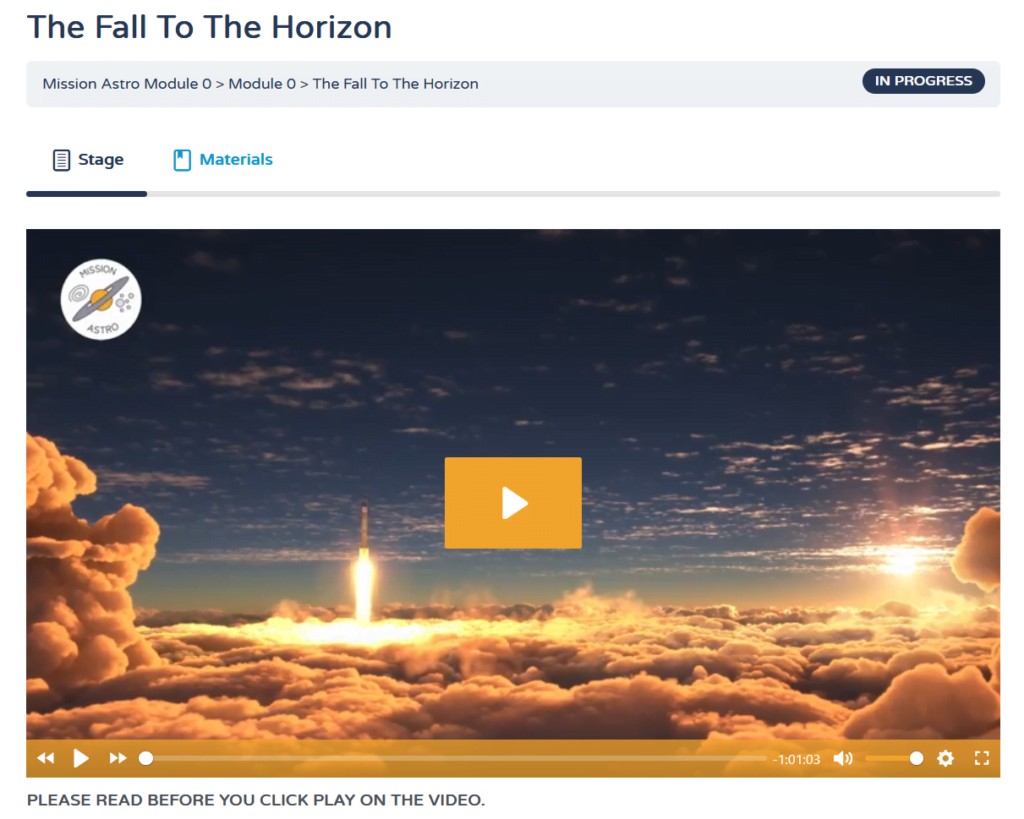
Lessons needed to stay behind a paywall, visible only to paying customers, which ruled out YouTube’s lack of real access control. Vimeo was considered but was too expensive for a startup budget. We chose Bunny Stream from Bunny.net instead, which offers logged-in-only viewing, protection against sharing, fast playback from multiple locations worldwide, no on-screen adverts, and tight LearnDash integration through Presto Player. Bunny charges for storage and bandwidth only, and with around 300GB of video stored, the monthly cost comes to only a few dollars.
Conclusion
A flexible payment plan, design and development, video editing, and a genuinely personal service let Sarah bring her business to life. If you need a new website, an online course, or help with video editing, get in touch. If you are simply curious about astronomy, Mission Astro’s free introductory lesson is worth a look.