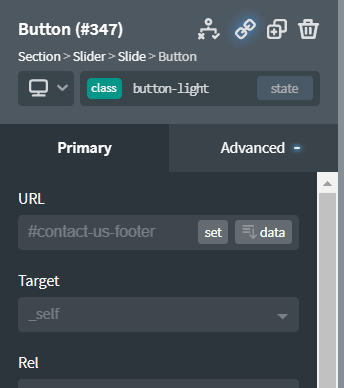

You want to scroll to a particular place on a page? Then you need an anchor link. How do you add anchor links within Oxygen Builder?
First of all, each element has an ‘id’ and you could link directly to that id. For the element below, I could link directly to #code_block-79-51
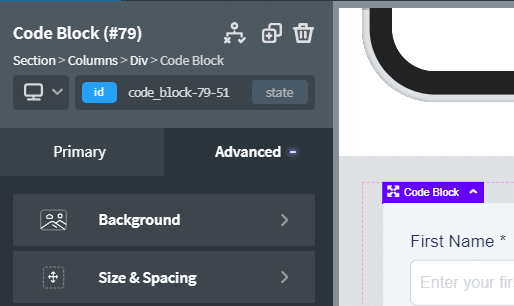
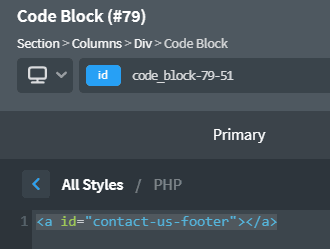
However, that is not very meaningful. If you want to have a meaningful name for the anchor link, add in a ‘code block’ to the div you which to link to. Add in the following HTML code to create a hidden anchor link:
<a id="name-of-anchor-link"></a>e.g.
If you want a visible anchor link, modify the code to be:
<a id="name-of-anchor-link">Visible Anchor Link Text</a>To link through to the anchor link, just use #name-of-anchor-link e.g.