
How do you take a “screenshot” of an entire web page? The visible section and the content below the fold? Maybe you want to highlight your web design portfolio or share the full page with your clients.
There’s an easy way to do this via Chrome or Edge extensions. I use the free extension GoFullPage. Once installed you will have this little camera icon on your toolbar:

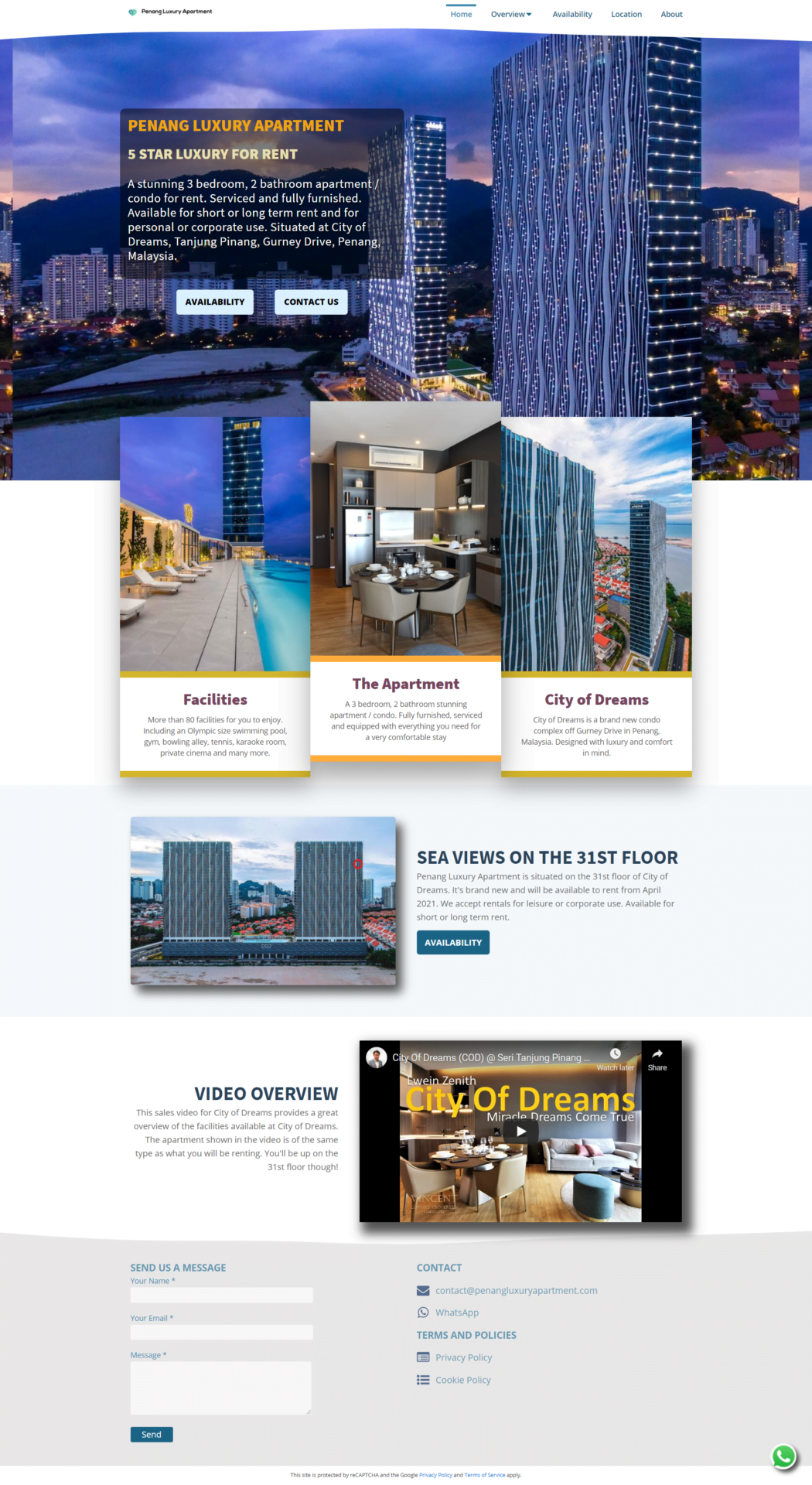
Clicking on it immediately takes a full-page screenshot of your site. Here are the results of one of my sites:
To take a full screenshot of a mobile screen, you do not have to capture on a mobile device. Reduce the width of your desktop browser and you will have the simulation of the mobile display which can be captured using the same method.